How to Apply Through the KUCCPS Portal: Step-by-Step Guide for Students
 Kelvin Ndung'u.•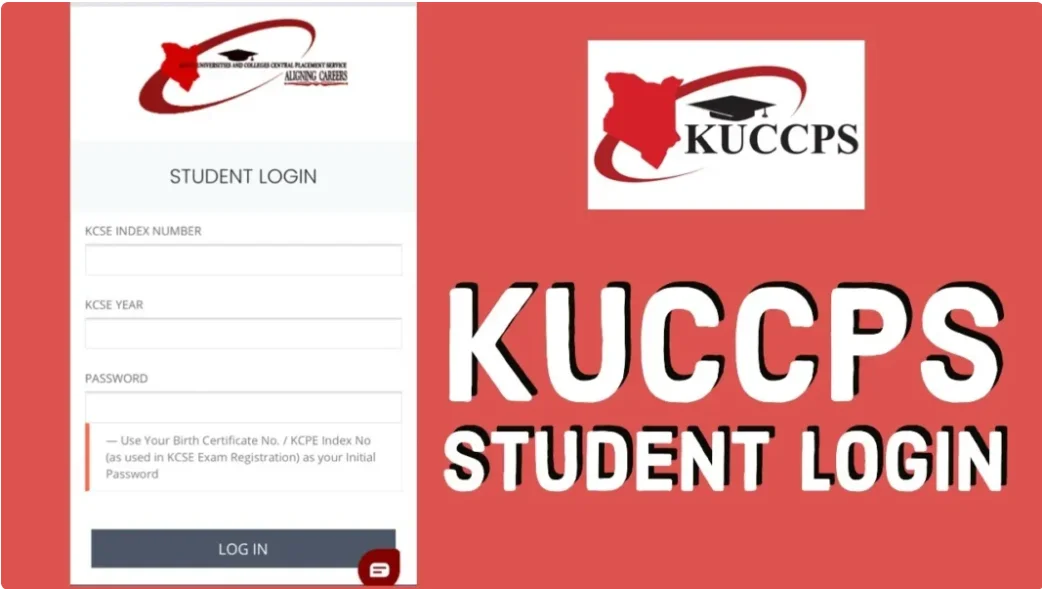
Applying for university, college, or TVET placement through the Kenya Universities and Colleges Central Placement Service (KUCCPS) requires careful preparation and accurate submission. Below is a step-by-step guide to help candidates successfully complete the application process through the official KUCCPS student portal.
1. Eligibility Check
Before starting your application, ensure that you meet the basic requirements for your preferred programme. Applicants should:
Meet the minimum KCSE grade requirements for the chosen course (usually C+ and above for degree programmes, though requirements vary by programme)
Have sat for the KCSE examination between 2000 and 2026
Have their KCSE index number and birth certificate details readily available
Confirming eligibility early helps avoid errors and unsuccessful applications.
2. Create a KUCCPS Account
To begin the application process, candidates must create an account on the official KUCCPS student portal:
Visit students.kuccps.net
Click on “Create Account”
Enter your personal details as required
Provide your KCSE index number and year of examination
Create a strong password and verify your email address
Ensure all details match your KCSE registration records.
3. Log In to the KUCCPS Portal
Once your account is created:
Log in using your KCSE index number and password
Confirm that your personal details and KCSE results are correctly displayed
If you experience login issues, use the “Forgot Password” option to reset your credentials
Always resolve any discrepancies before proceeding to program selection.
4. Select Preferred Programmes
After logging in, candidates can browse available courses across:
Universities
Colleges
TVET institutions
Applicants should:
Filter programmes based on cluster points and subject requirements
Select up to six (6) programme choices in order of preference
Consider factors such as institution location, tuition costs, and career prospects
Choosing programmes strategically increases placement chances.
5. Submit Your Application
Before final submission:
Complete all required sections of the application form
Carefully review your selected programmes
Ensure all information entered is accurate, as edits may not be allowed after submission
Save or download a copy of the application for future reference
Submitting incorrect information may affect placement.
6. Make the Required Payment
The final step is payment of the application fee:
Follow the payment instructions provided on the portal
M-Pesa PayBill is available for convenience
Application fees vary depending on the type of application
Keep the payment confirmation SMS or receipt
Note that your application is only considered complete after successful payment.
Important Notice to Applicants
Always apply only through the official KUCCPS portal: students.kuccps.net. Beware of fraudulent websites and individuals. KUCCPS will never ask for your password or personal banking details outside the official portal.

KUCCPS Chief Executive Officer Dr. Agnes Mercy Wahome